
All the tools you need in one space
From basic concepts to advanced data analysis, our platform equips you with everything required to master SQL, Excel, Python, Power BI, and Tableau.
Comprehensive Practice & Instant Feedback
Tackle a wide range of MCQs spanning from basic to advanced difficulty. Choose exactly how you want to learn: set a timer for realistic exam pressure, or opt for untimed practice.
Enjoy instant evaluation with detailed explanations provided right on the go, or challenge yourself by taking tests completely without explanations.
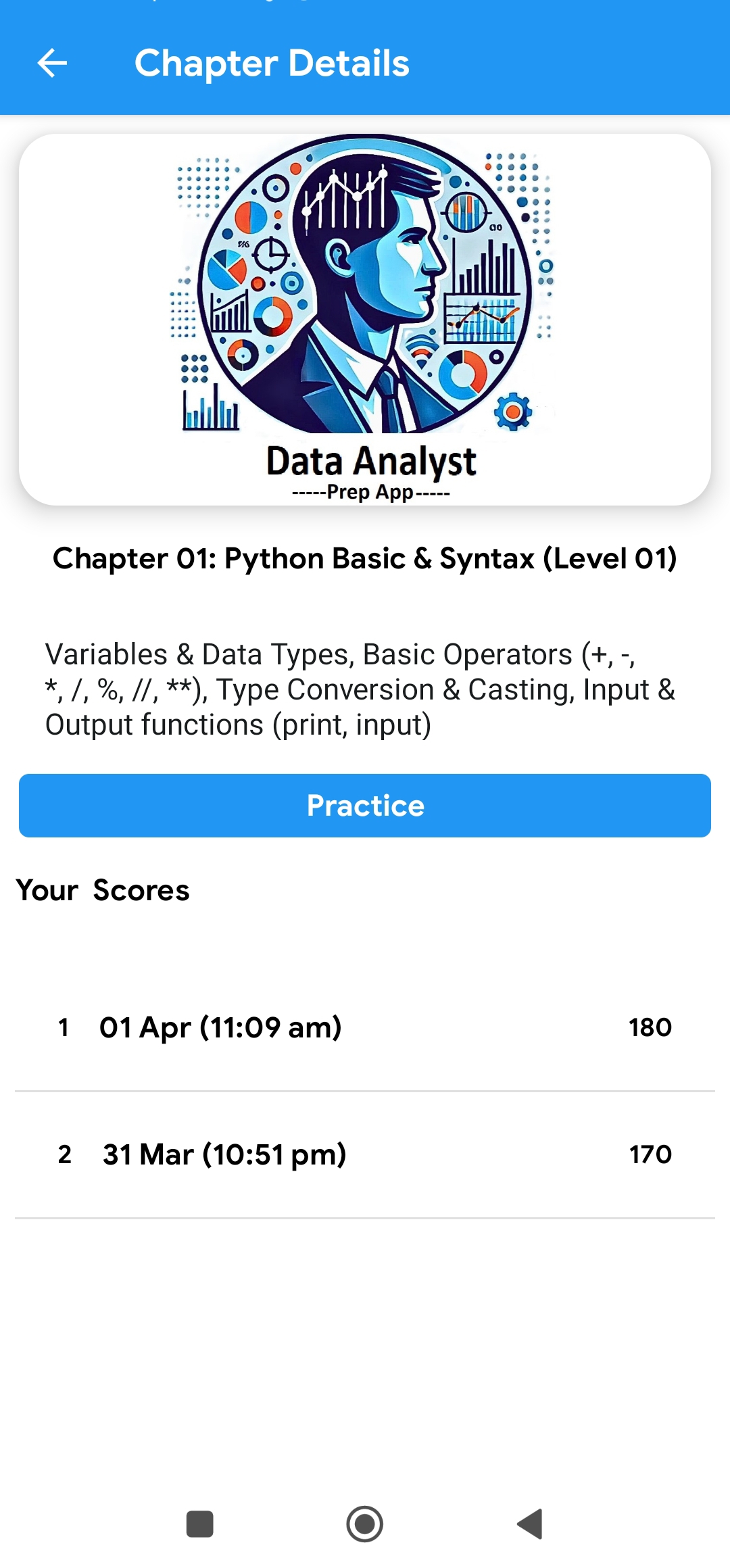
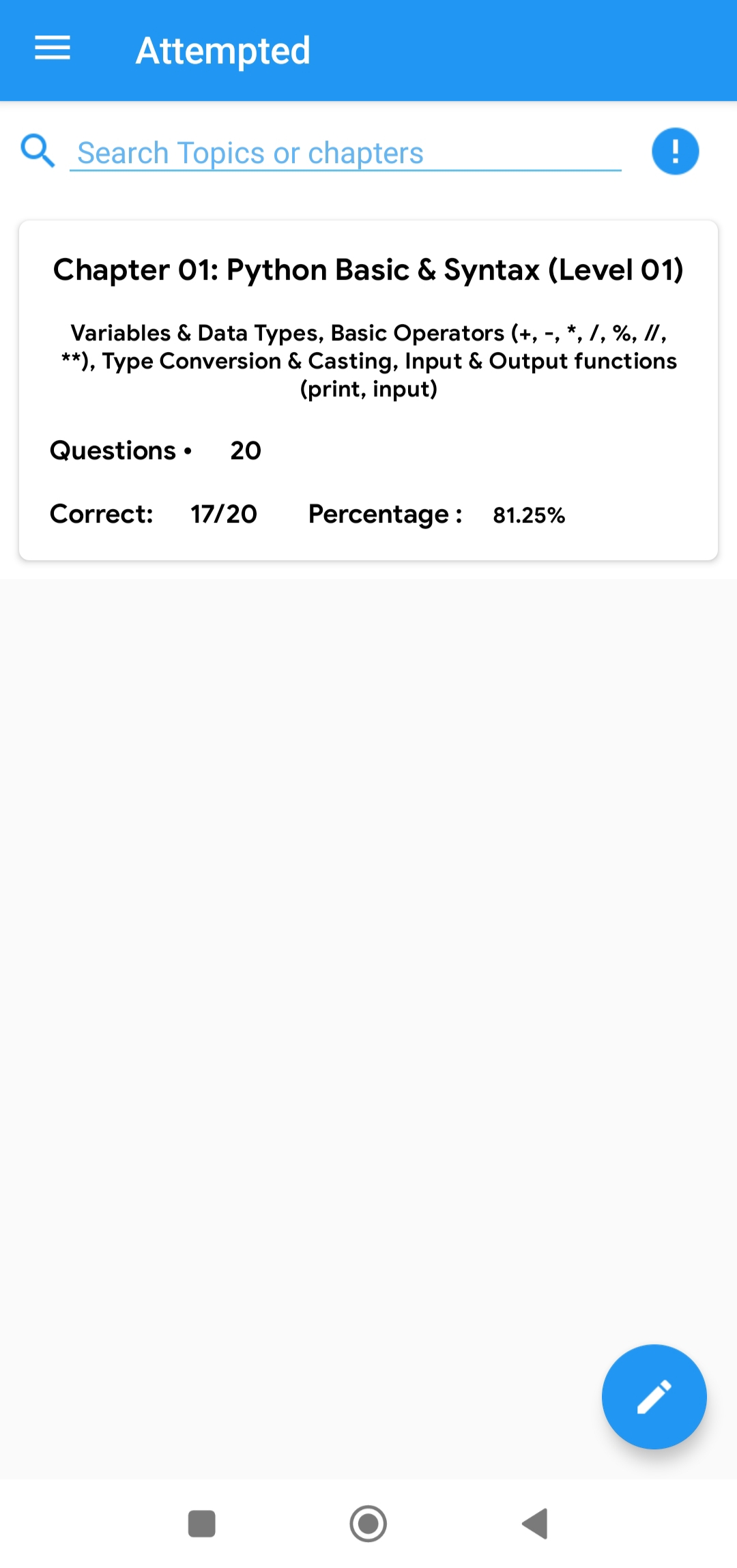
Track Progress with “My Attempt”
Monitor your growth seamlessly. The My Attempt dashboard displays every test’s title, description, and your final score.
Click on any past test to review your specific selections for each question alongside the correct answers and on-the-go explanations. Need a better score? Simply hit Attempt Again to retake the test instantly.
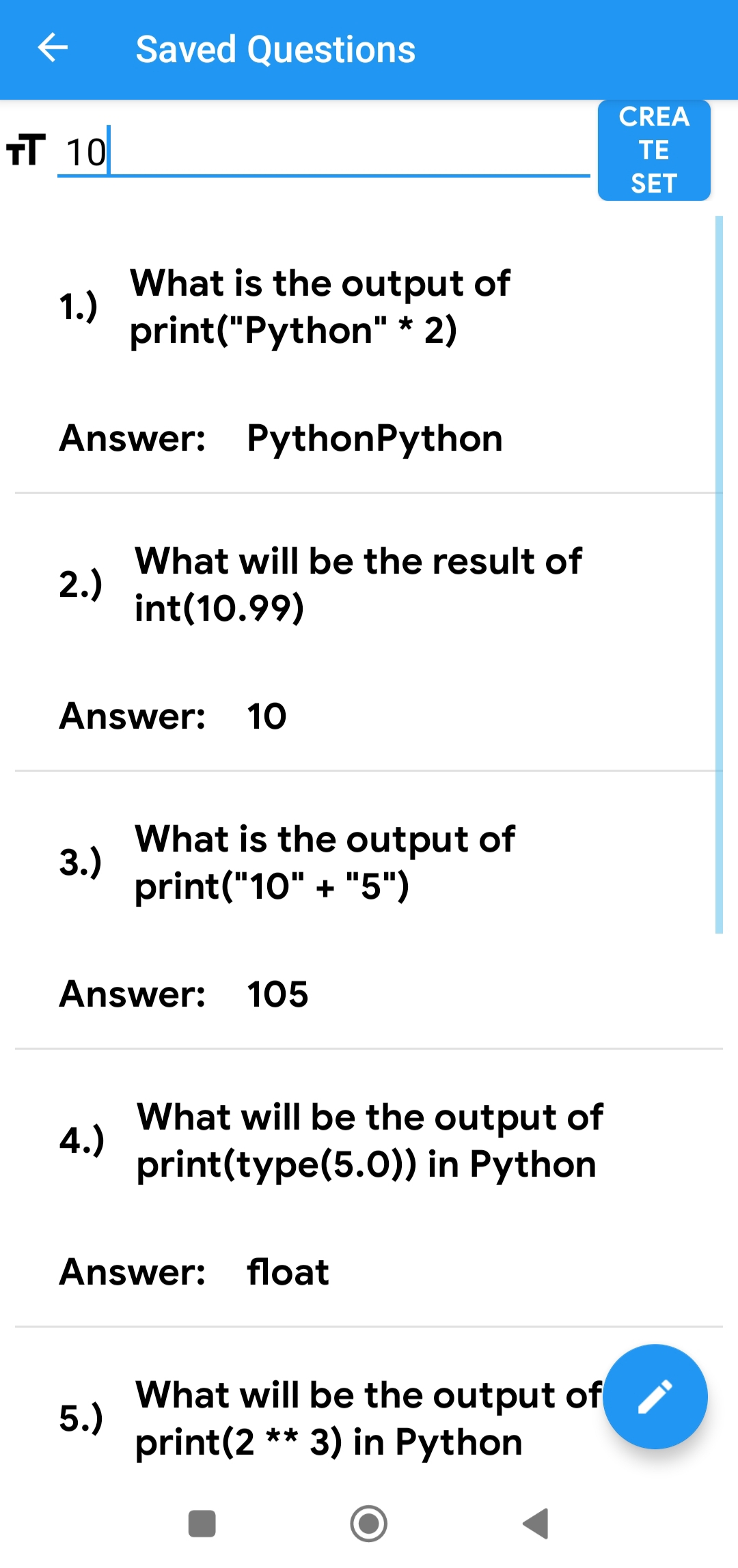
Build Custom Sets & Report Issues
Notice a tricky question? Tap the red icon on any question to save it to your personal storage. Our system also automatically stores your incorrect questions in a dedicated bank.
Use your saved items and incorrect questions to generate your own highly targeted Custom Practice Sets. Plus, use the built-in Report Question option to notify us directly if you spot an error.
Features
📊 Basic to Advanced MCQs
Thousands of questions tailored to match your current skill level and push you further.
⏱️ Time-Based Tests
Simulate real exam environments with strict, customizable countdown timers.
💡 On-the-Go Explanations
Learn immediately from your mistakes with detailed rationale provided for every single answer.
⚡ Instant Evaluation
No waiting. Get your final score, accuracy metrics, and performance breakdown the second you submit.
🔖 Save Questions
Click the red icon to bookmark challenging questions and access them later in your saved storage.
🛠️ Custom Practice Sets
Create personalized quizzes using only your saved bookmarks or previously incorrect questions.